

Description

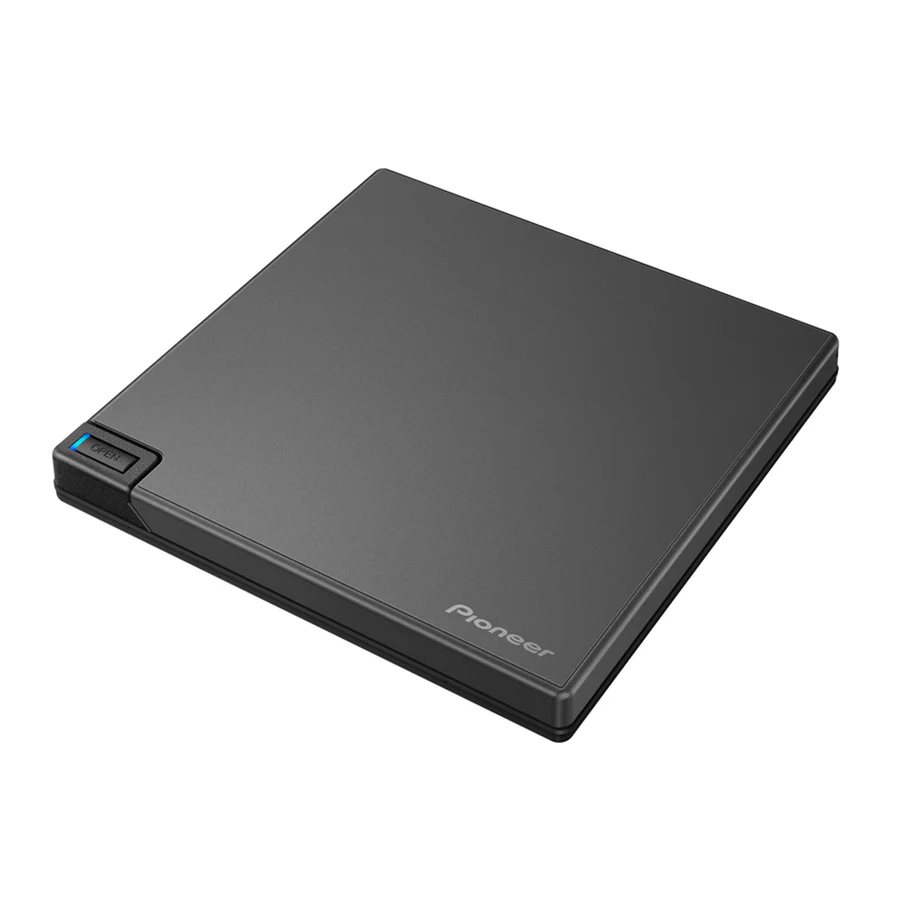
Pioneer BDR‑XD08B
The Pioneer BDR‑XD08B is a slim, portable external Blu‑ray/DVD/CD writer featuring a clamshell-type body, USB 3.2 Gen 1 (Type‑C / Type‑A) connectivity, and support for BDXL and M‑DISC archival media. It is lightweight (~230 g) and compact, making it ideal for portable use. Additional features include PureRead 3+ technology for accurate CD playback, reversible USB cables for flexible connection, and compatibility with both Windows and macOS systems.
Specifications
PRODUCT PERFORMANCE
| Feature | Details |
|---|---|
| Data Buffer | 4 MB |
| Mounting Orientation | The drive can only be used on a horizontal surface (desk, table, etc.) |
OPTICAL MAX READ SPEED
| Media Type | Max Speed |
|---|---|
| BD-ROM DL | 6x |
| BD-ROM SL | 6x |
| BD-R TL/QL | 4x |
| CD-ROM | 24x |
| DVD-ROM | 8x |
| DVD-ROM DL | 8x |
| MRS-BD.BD-R | 6x |
| MRS-BD.BD-R DL | 6x |
| MRS-BD.BD-RE | 6x |
| MRS-BD.BD-RE DL | 6x |
| MRS-BD.BD-RE TL | 4x |
| MRS-BD.BD-R (LTH) | 6x |
| MRS-BD.M-DISC(BD) DL | 6x |
| MRS-BD.M-DISC(BD) SL | 6x |
| MRS-BD.M-DISC(BD) TL | 4x |
| MRS-CD.CD-R | 24x |
| MRS-CD.CD-RW | 24x |
| MRS-DVD.DVD-R | 8x |
| MRS-DVD.DVD+R | 8x |
| MRS-DVD.DVD-RAM | 5x |
| MRS-DVD.DVD-R DL | 8x |
| MRS-DVD.DVD+R DL | 8x |
| MRS-DVD.DVD-RW | 8x |
| MRS-DVD.DVD+RW | DVD+RW |
| MRS-DVD.M-DISC(DVD) | 8x |
About The Product
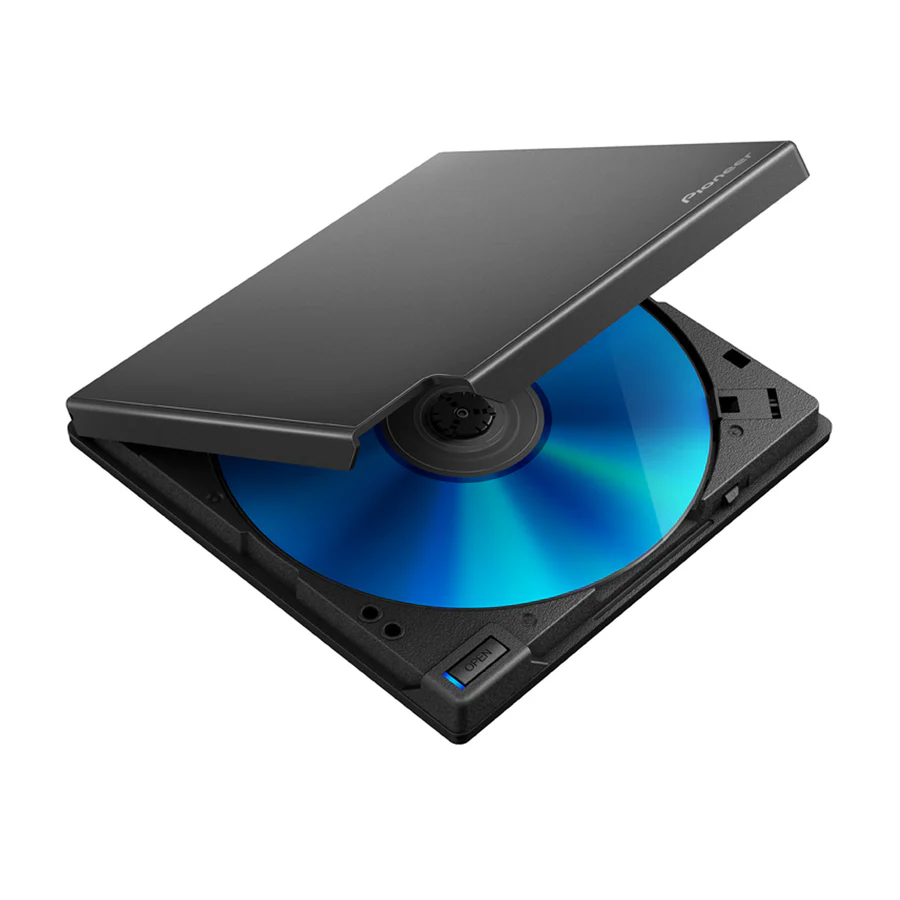
BDR-XD08B is a drive based on the concept of ease of use, with a clamshell type body that makes it easy to take out discs even on a desk where space is limited, and a compact, lightweight body about the size of a CD case. You can choose from among three color variations that are easy to match with popular PC colors. This product is equipped with features for enjoying music on a PC, such as PureRead 3+. PureRead 3+ is a function that minimizes the occurrence of error data interpolation when importing (ripping) audio CDs. This product also includes a Type-C conversion cable, providing easy connection to PCs equipped with Type-C connectors, and an L-shaped USB cable that allows you to connect to the drive in either direction. In addition, BDR-XD08B also has performance features such as the Custom Eco function available through the Pioneer BDR-XD08B Drive Utility. Custom Eco helps reduce the device’s power consumption. As to software, CyberLink Media Suite 10 for Windows OS is available for download free of charge. It is a drive that you always want to keep close to you and feel the satisfaction and comfort of owning it.
Supported Media List
-
CyberLink Software
-
Firmware Updates
-
Drive Utility
Compact, ultra-lightweight body
Clamshell type body that enables the easy insertion and removal of a disc in a narrow space. An ultra-lightweight body 230g (0.51 lb) about the size of a CD case.
Uses a reversible L-shaped USB cable
Uses a reversible L-shaped USB cable that allows you to place the drive to the left or right of the PC with ease.
The L-shaped USB cable can connect to the drive in either direction, but when plugged in with the cord extending to the right, the cable blocks the AC Adapter Connector. To avoid damage if using an optional AC adapter, plug in the USB cable so the cord extends to the left.
Easy connection to PCs equipped with Type-C connectors
Type-C conversion cable included in box. Easy connection to PCs equipped with Type-C connectors.
Includes a Forced Open Lever
Forced Open Lever allows you to open the lid and remove the disc manually when you forget to eject it, without using any special tools or turning the power on.
A better music experience with PureRead 3+ featuring unique algorithms
When read errors caused by scratches or fingerprints occur when importing (ripping) audio CDs, using this function allows for automatic detection of the disc state, adjustment of the read method using an original algorithm, and then re-reading of the disc. This minimizes error data interpolation.
Not all discs or all portions of discs may be playable if they are too damaged.
Displaying PureRead mode
With the device not operating, press and hold the eject button for at least two seconds. The busy indicator flashes, and the current PureRead mode setting is displayed. You can check the mode in advance without launching the Drive Utility on your PC.
Custom Eco function reduces the drive’s power consumption
If the drive does not receive any commands (instructions for operation) from the PC for a specified period, this function will reduce the drive’s power consumption, such as by stopping the disc from rotating or reducing the disc rotation speed. Shortening this specified period will make the drive enter the power saving mode earlier.
Compatible with large-capacity BDXL™ / Compatible with M-DISC for long-term data archiving
BDXL format supports BDXL Blu-ray media (including BD-R 128GB Quadruple Layer (QL), BD-R 100GB Triple Layer (TL) and BD-RE 100GB Triple Layer (TL) Blu-ray Disc™). BDR-XD08B is compatible with all BDXL Blu-ray media. Up to 4x writing on BD-R Triple Layer(TL) discs and Quadruple Layer(QL) discs.
This product is also compatible with M-DISC optical media for archiving, developed by US-based Millenniata Inc. M-DISC format supports M-DISC DVD/BD media (including 25GB Single Layer (SL), 50GB Dual Layer (DL) and 100GB Triple Layer (TL)).
Maximum Write Speed (BD): When using a USB 2.0 port, BD writing/reading speed will not achieve 6X. To perform high-speed writing, please use media that supports high-speed writing.



Reviews
There are no reviews yet.