

Description

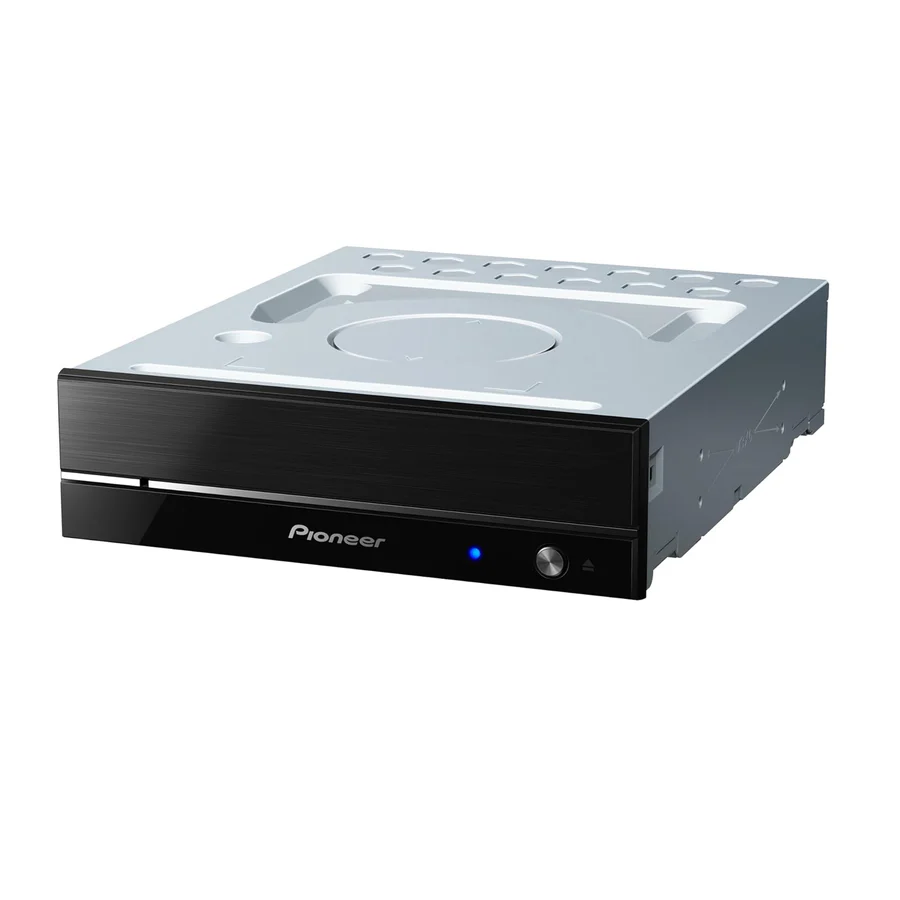
Pioneer BDR‑S13UBK
The Pioneer BDR‑S13UBK is a high-performance internal Blu‑ray/DVD/CD writer designed for PC use. It supports Ultra HD Blu‑ray playback, high-speed writing and reading of BD‑R/BD‑RE (including BDXL triple/quad layer), and archival-grade M‑DISC support. It features advanced audio‑CD reading technology including PureRead 4+ and RealTime PureRead to minimise errors when ripping, a custom‑Eco power‑reduction mode, and sturdy build quality with dust-resistant and quiet operation
Specifications
PRODUCT PERFORMANCE
| Feature | Details |
|---|---|
| Data Buffer | 4 MB |
| Mounting Orientation | Horizontal or Vertical⁷ |
OPTICAL MAX READ SPEED
| Disc Type | Max Speed |
|---|---|
| BD-ROM DL | 8x |
| BD-ROM SL | 12x |
| BD-ROM TL (Ultra HD Blu-Ray) | 4x |
| BD-R TL/QL | 6x |
| CD-ROM | 48x⁶ |
| DVD-ROM | 16x |
| DVD-ROM DL | 12x |
| MRS-BD.BD-R | 12x |
| MRS-BD.BD-R DL | 8x |
| MRS-BD.BD-RE | 10x |
| MRS-BD.BD-RE DL | 6x |
| MRS-BD.BD-RE TL | 4x |
| MRS-BD.BD-R (LTH) | 8x |
| MRS-BD.M-DISC(BD) DL | 8x |
| MRS-BD.M-DISC(BD) SL | 12x |
| MRS-BD.M-DISC(BD) TL | 6x |
| MRS-CD.CD-R | 48x |
| MRS-CD.CD-RW | 40x |
| MRS-DVD.DVD-R | 16x |
| MRS-DVD.DVD+R | 16x |
| MRS-DVD.DVD-RAM | 5x |
| MRS-DVD.DVD+R DL | 12x |
| MRS-DVD.DVD-RW | 12x |
| MRS-DVD.DVD+RW | 12x |
| MRS-DVD.M-DISC(DVD) | 16x |
About The Product
The BDR-S13UBK has achieved further evolution of fundamental performance in addition to improving writing speed and accuracy, improving dust resistance and quiet performance by maximizing Pioneer’s BD drive technology and know-how. This is the culmination of years of refinements in ease of use, reliability and stability for the long-loved Pioneer BD Drive. BDR-S13UBK also has performance features such as the Custom Eco function available through the Pioneer BDR-S13UBK Drive Utility. Custom Eco helps reduce the device’s power consumption. Pioneer’s excellence in optical disc technology delivers quiet operation, high reliability and superior quality. As to software, CyberLink Media Suite 10 for Windows OS is available for download free of charge.
4K Ultra HD Blu-ray playback
Support 4K Ultra HD Blu-ray playback using included CyberLink software.
Supported Media List
CyberLink Software, Firmware Updates, Drive Utility, CyberLink UHD BD Advisor Tool
The latest version of PureRead 4+ featuring unique algorithms
When read errors caused by scratches or fingerprints occur when importing (ripping) audio CDs, using this function allows for automatic detection of the disc state, adjustment of the read method using an original algorithm, and then re-reading of the disc. This minimizes error data interpolation.
*Not all discs or all portions of discs may be playable if they are too damaged.
Compatible with high-speed M-DISC writing for long-term data archiving
This product is compatible with M-DISC optical media for archiving, developed by US-based Millenniata Inc. It now also supports 6x writing on M-DISC (BD) SL and M-DISC (DVD).
High-quality front design
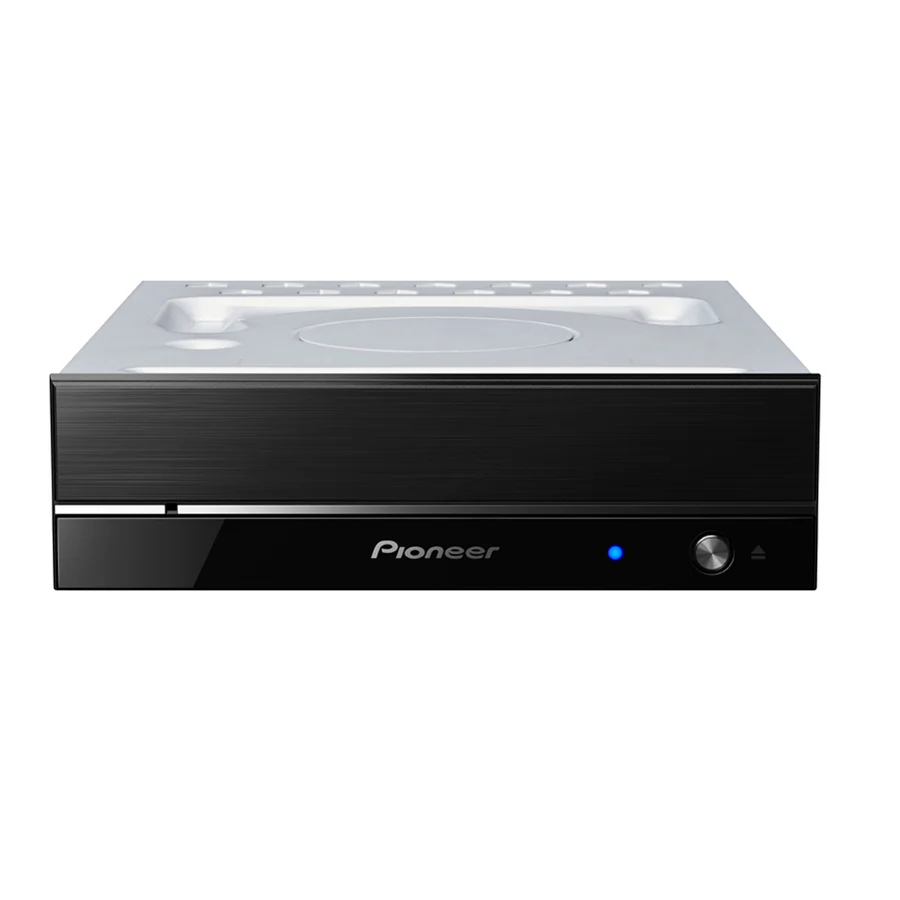
The simple design of smoked acrylic with a hairline finish from which blue light seems to emerge is accented with metallic lines, for an appearance that projects superior quality.
Unique honeycomb construction and cooling structure
This product features a unique honeycomb structure that increases the rigidity of the housing and minimizes unnecessary vibration. It also commutes airflow generated within the housing by the rotation of the disc, circulating it effectively to alleviate the temperature increase in the pickup and disc surface that occurs when the disc is rotated for extended periods or at high speed.
Custom Eco function reduces the drive’s power consumption
If the drive does not receive any commands (instructions for operation) from the PC for a specified period, this function will reduce the drive’s power consumption, such as by stopping the disc from rotating or reducing the disc rotation speed. Shortening this specified period will make the drive enter the power saving mode earlier.
16x BD-R Writing and BDXL™ Support
Up to 16x writing on BD-R SL discs, 14x on BD-R DL discs, and 8x writing on BD-R TL discs and BDXL support (BD-R XL:Triple Layer 100GB、BD-R XL:Quadruple Layer 128GB、BD-RE XL:Triple Layer 100GB).
“Easy Setting” function with Drive Utility
Equipped with “Easy Setting” function providing comfortable usability according to purposes.
Modes with Drive Utility
-
“Entertainment Mode” is suitable for enjoying movies and music. It enhances quietness and makes the tray open quietly when playing back BD/DVD or music CDs.
-
“High-performance Mode” emphasizes reading and writing speed
-
“Quality Mode” emphasizes reading and writing quality
-
“Eco Mode” reduces maximum power consumption



Reviews
There are no reviews yet.